

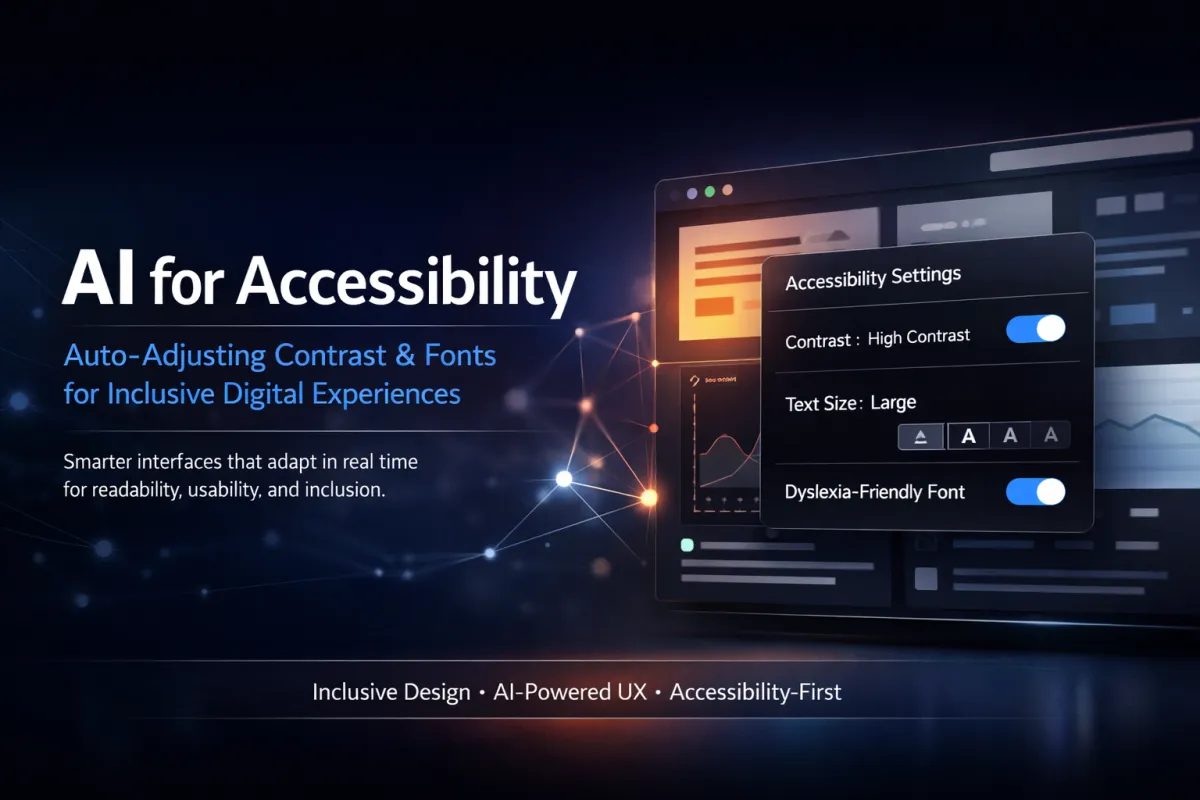
AI for accessibility: auto‑adjusting contrast and fonts
Introduction
Imagine this: more than 285 million people worldwide have some form of visual impairment. Now consider how many of your digital touchpoints are actually designed with them in mind.
In today’s digital-first world, accessibility is no longer optional—it’s a competitive advantage. Modern users expect frictionless, inclusive experiences across websites, applications, and digital products. Those expectations extend beyond basic usability to intelligent personalization that adapts in real time. This is where AI-powered accessibility enters the picture.
Artificial intelligence is now being used to automatically adjust contrast, fonts, spacing, and layout to improve readability for users with visual, cognitive, and mobility impairments. Forward-thinking companies such as Google and Microsoft are already implementing these technologies, while startups are rapidly following suit.
In this article, we’ll explore what AI-driven accessibility really means, why it matters for businesses today, how auto-adjusting contrast and fonts work, and how you can begin implementing these strategies to improve inclusivity, usability, and performance.
Understanding the Concept: AI-Powered Contrast and Font Accessibility
What Is AI-Driven Accessibility?
AI-driven accessibility refers to the use of artificial intelligence and machine learning to automatically adapt digital interfaces based on user needs, behavior, and environmental conditions. When applied to contrast and typography, AI systems dynamically adjust text size, spacing, color schemes, and font styles to enhance readability without requiring manual user input.
Instead of forcing users to navigate settings or rely on browser-level tools, AI can identify accessibility challenges in real time and respond instantly. These systems often align with established standards such as the Web Content Accessibility Guidelines (WCAG), making compliance more scalable and consistent across platforms.
A Brief History: From Static Design to Intelligent Interfaces
Traditionally, accessibility solutions were static and reactive. Users adjusted browser zoom levels, activated high-contrast modes, or relied on assistive technologies like screen readers. While helpful, these approaches were often inconsistent and placed the burden on the user.
Advancements in AI have shifted accessibility toward a proactive model. Platforms like Google’s Material You dynamically modify fonts and contrast based on lighting conditions and user preferences. Tools such as Be My Eyes use AI to assist users with visual interpretation, including identifying text clarity and color contrast issues.
Accessibility is no longer a hidden setting—it’s becoming an intelligent system-level feature.
How It Works: Core Functionalities in Action
AI-powered accessibility tools typically rely on several core mechanisms:
Machine learning algorithms that analyze contrast ratios in real time
Environmental detection that accounts for glare, brightness, and screen resolution
Behavioral analysis that adjusts fonts for optimal readability
Personalization engines that apply accessibility preferences across devices
For example, a user browsing an e-commerce site in bright sunlight may automatically see darker contrast and bolder text, while a user with dyslexia may receive increased line spacing and sans-serif fonts for easier reading.
Why It Matters for Today’s Businesses
The Accessibility Economy Is Growing Fast
More than one billion people globally live with some form of disability. That represents over 15 percent of the world’s population and a massive, often underserved market.
In the United States alone, the accessibility market is valued at hundreds of billions of dollars annually. Businesses that fail to address accessibility are not only excluding potential customers but also risking legal exposure under regulations such as the ADA and the European Accessibility Act.
Accessibility is no longer just a compliance issue—it’s a growth opportunity.
Inclusive Design Leads to Higher Conversions
Accessible websites consistently outperform inaccessible ones. When users can read, navigate, and interact without friction, engagement improves naturally.
Benefits include lower bounce rates, higher conversion rates, stronger SEO performance, and improved customer trust. Studies show that a majority of users with accessibility needs will abandon a website immediately if they encounter barriers. AI-driven accessibility significantly reduces this risk by adapting experiences in real time.
Competitive Advantage Through Personalization
Auto-adjusting fonts and contrast improve usability for everyone, not just users with disabilities. Mobile users, aging audiences, users in low-light or high-glare environments, and those with temporary impairments all benefit from adaptive design.
AI-powered accessibility doubles as an advanced UX optimization tool, helping brands deliver consistently better experiences across devices and contexts.
Effective Strategies to Implement AI-Powered Accessibility
Step 1: Audit Your Existing Interfaces
Start by identifying accessibility gaps across your digital properties. Evaluate contrast ratios, font hierarchy, spacing, and interaction elements.
Tools such as Google Lighthouse and Microsoft Accessibility Insights can highlight common issues. Platforms like Go HighLevel allow businesses to review funnels, forms, and pages for compliance while testing responsiveness across devices.
Step 2: Integrate AI Contrast and Font Scaling Solutions
Adopt systems that support dynamic adjustments rather than static design rules. Look for platforms that enable:
Responsive typography that adapts to screen size and behavior
AI-assisted contrast optimization
Theme personalization through CMS or funnel builders
Choosing accessibility-ready platforms early reduces technical debt and long-term costs.
Step 3: Implement Accessibility Incrementally
Accessibility does not need to be deployed all at once. Begin with high-impact areas such as homepages, landing pages, checkout flows, and long-form content.
Roll out AI-powered contrast and font adjustments in phases, measuring performance improvements and user engagement at each stage. This approach minimizes disruption while allowing teams to refine processes.
Step 4: Educate Your Team
Accessibility success depends on people as much as technology. Designers, developers, and marketers should understand basic accessibility principles and how AI tools support them.
Training teams ensures accessibility is maintained across updates, campaigns, and new content rather than treated as a one-time fix.
Step 5: Measure, Optimize, and Scale
Use analytics tools to monitor engagement metrics such as bounce rate, time on page, and conversion rates for accessible experiences. Combine AI insights with user feedback to identify gaps automated tools may miss.
As performance improves, expand accessibility enhancements across your entire digital ecosystem.
Common Mistakes Businesses Should Avoid
Relying Only on Manual Fixes
Manual font and color adjustments do not scale and often fail to meet diverse user needs. Without automation, accessibility becomes inconsistent and difficult to maintain.
AI-driven systems ensure continuous, real-time optimization.
Ignoring Cognitive Accessibility
Accessibility is not limited to vision. Users with dyslexia, ADHD, and cognitive challenges benefit from controlled line length, spacing, and distraction-free layouts.
AI can intelligently adapt interfaces to support these needs.
Skipping Real User Testing
Automated tools cannot capture every scenario. Combining AI audits with feedback from real users ensures more accurate and empathetic design decisions.
The Future of AI and Accessibility
AI-powered accessibility will continue to evolve toward predictive and cross-platform experiences. Future systems will anticipate user needs, apply preferences across devices, and integrate deeply with content creation workflows.
As expectations rise, accessibility will become a defining feature of high-performing digital brands rather than an optional enhancement.
Final Thoughts: Accessibility Is a Business Imperative
AI-driven contrast and font adjustments are reshaping how digital experiences are built and delivered. What was once reactive and manual is now intelligent, adaptive, and scalable.
Businesses that embrace AI-powered accessibility gain stronger engagement, improved conversions, better SEO performance, and broader market reach. Most importantly, they create experiences that work for everyone.
Accessibility is no longer optional. It’s a strategic advantage—and the time to implement it is now.
