

By Ozlon
How can an HVAC website work better for visitors with disabilities?
A homeowner trying to request an HVAC repair from a phone should not have to guess which button has focus or what an unlabeled field needs. An accessible website lets people with different vision, hearing, movement, or cognitive needs find information and complete key tasks. Start with your real service pages and forms, then test them with assistive tools and people.
For a Charlotte area HVAC contractor, the priority is practical: explain the service, make the phone number easy to use, and ensure a visitor can submit a cooling or heating request without relying on color, a mouse, or hidden instructions.
What is the cost of leaving access barriers in place?
A barrier can prevent someone from learning your hours, checking whether you serve their town, or asking about a repair. A 2026 local consumer search study found that 85% of surveyed consumers consider contact details and opening hours important when researching a local business (BrightLocal, Consumer Search Behavior, 2026). That survey does not measure disability access or predict results for an HVAC company. It does underline why clear, reachable contact information belongs on the site.
Accessibility also cannot be reduced to a promise of legal compliance. Requirements depend on the business and circumstances. Treat a design check as useful risk reduction, not legal advice or certification.
What should an HVAC contractor check first?
- Try the main task without a mouse. Use the keyboard to move through the menu, service page, phone link, and request form. Make sure the focus indicator stays visible and you can leave every menu or dialog.
- Give content a usable structure. Use headings in a sensible order, descriptive link text, and labels that remain visible when a field is filled. Do not identify required fields by color alone.
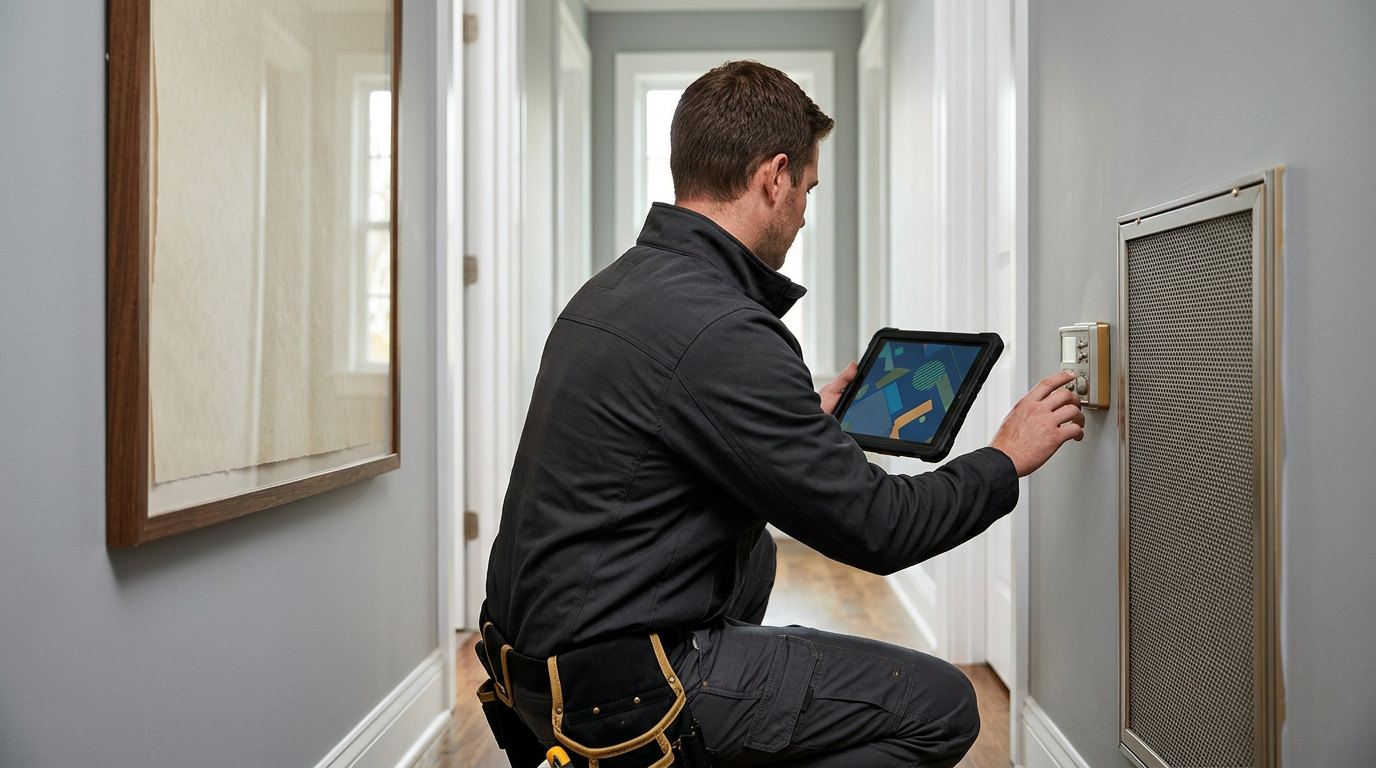
- Check images and media. Describe informative photos in alt text, such as a labeled thermostat display only when the image conveys information. Mark decorative images so a screen reader can skip them. Caption spoken video and provide a transcript when it contains useful instructions.
- Check contrast and zoom. Read text in bright light, enlarge it, and use a phone. Ensure buttons and text remain identifiable without color as the only cue.
Suppose a homeowner wants a no cooling repair in Huntersville. The service page should state whether the company handles that work and area, while the request form should label the issue and callback fields. A keyboard user should reach the submit control, hear a useful error if a phone number is missing, and know whether the request was received. This is a test scenario, not a claim about a customer result.
Keep a short test record for each important page: the device used, the task attempted, where focus moved, whether labels were announced, and what happened after a form error. For an HVAC request, test both the repair page and the estimate form rather than assuming one page represents the whole site. If a visitor cannot correct a missing callback number or tell whether the form arrived, record the exact point where the task stopped. That gives the person making the change a clear issue to retest. Have the reviewer repeat the task after the fix, including the error message and confirmation, so the test covers the full inquiry rather than a single control.
What can automated checks tell you?
Automated scans can flag some missing labels, low contrast, or code issues. They cannot confirm that the service page makes sense to a screen reader user or that the form is easy to finish. Combine a scan with keyboard testing and, where possible, feedback from people who use assistive technology.
How we decide
We would review the pages that bring calls or requests, form errors, phone and booking paths, site speed, and any available search and lead records. Those signals help us choose which access barriers to test first. We would report what we actually checked, not claim that the site is certified or that a design change guarantees more leads.
Frequently asked questions
Does an accessibility widget make a website accessible?
No single overlay or automated scan can establish that every visitor can use the site. Test the actual content, controls, forms, and customer tasks.
Should every image have alt text?
Informative images need concise descriptions. Decorative images can be hidden from assistive technology so they do not add noise.
Does accessibility guarantee better search rankings?
No. A clear structure helps people understand a page, but it does not guarantee a position or a business result.
If your service pages or request forms are hard to use, ask Ozlon to discuss a site review through the Charlotte web design service or send an inquiry. We can start with the pages and tasks your customers use most.
How this was made: written by the Ozlon team from our own method, with every outside figure checked against its source.
