By Ozlon
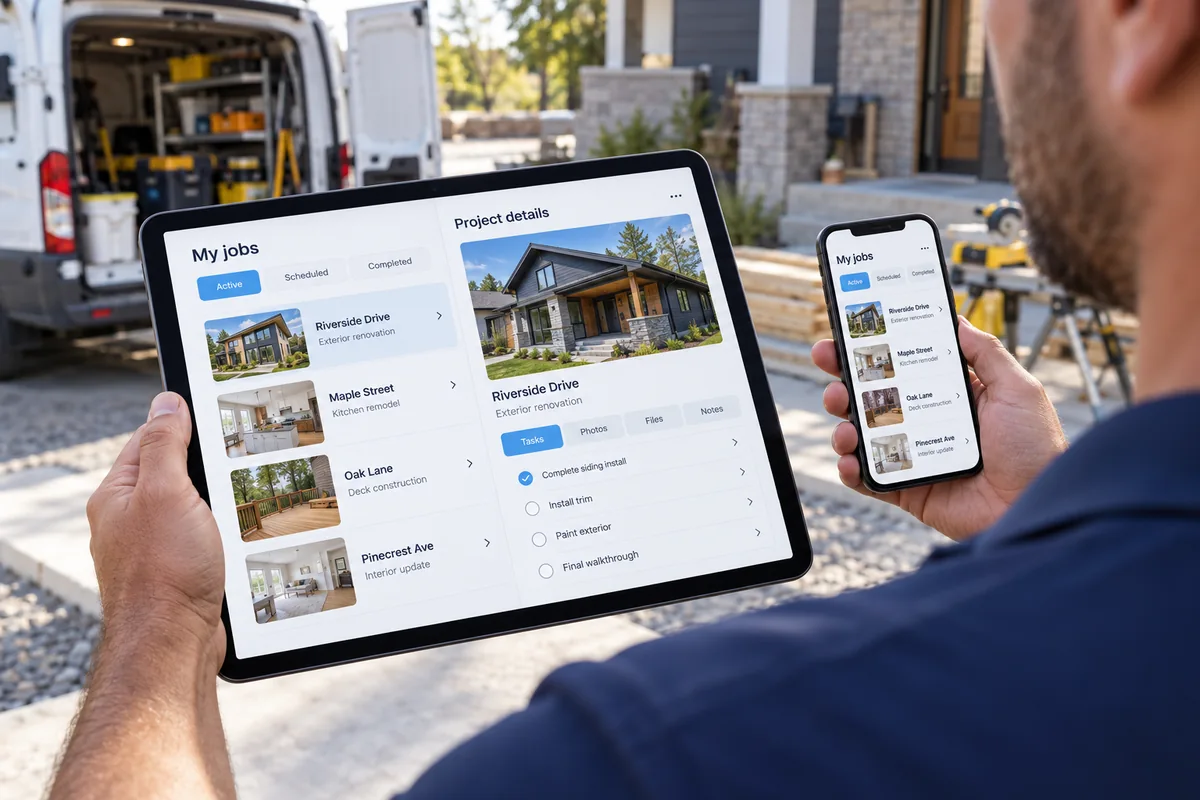
An HVAC customer with no cooling may search from a phone while waiting at home. Test that exact path: can they identify the service, confirm the area, tap the office number, and submit a request? Fix the step that fails, rather than treating mobile work as simply shrinking a desktop layout.
Local business research found that 85% of consumers consider contact details and opening hours important when researching a business (BrightLocal, Consumer Search Behavior, 2026, stat bank ST 005). That survey does not measure phone usability or predict calls for an HVAC company. It does support checking whether a visitor can find the practical details they need before deciding what to do.
What should an owner test on a phone?
Use a real phone, not only the small screen preview in a site editor. Start from the home page and act like a customer who has one specific task. For an HVAC company in Charlotte, that might be finding out whether the business handles a no cooling repair and how to request a call back. Repeat the same test on a second phone if the team has one available.
Start with the first screen
Check whether the service and service area are plain within the first screen. A wide banner can push the phone number below the fold. A menu icon may be hard to tap. If the main heading says only the company name, the visitor still has to guess whether you handle a furnace repair, a system replacement, or both.
Try the phone and navigation
Tap the phone number. Confirm it opens a call rather than selecting text. Open and close the menu with one hand. Follow a service link, return to the home page, then find the contact details without using the browser back button repeatedly. Make sure sticky buttons do not cover form fields or a required consent notice.
Complete the request path
Fill out the form with realistic details, including a long name and a street address. Check whether the keyboard hides the current field or the submit button. Look for labels that remain visible after typing. Confirm that required fields are clear and that an error message says what to fix. The final confirmation should explain that the request arrived without claiming a technician is on the way.
What does a broken mobile path cost?
The immediate cost may be uncertainty rather than a measurable lost job. A visitor who cannot read the service area, tap the number, or finish the form has no clear route to ask a question. Do not turn a general consumer survey into a forecast for your shop. Compare your own mobile visits with calls and form records, and first verify that those records are complete enough to trust.
A practical example: imagine a Charlotte HVAC owner notices that customers often ask whether a tune up is available in Huntersville. On a phone, the service page mentions maintenance but the service area is buried in the footer. The owner can move the service area closer to the service description, make the number tappable, and test the form. This is a usability correction, not evidence that a particular number of additional calls will result.
How do you fix issues without breaking the page?
- Write down the task that failed, the screen where it happened, and what the visitor expected to do.
- Change one layout or interaction at a time, then repeat the same task from the beginning.
- Check text size, contrast, spacing, button targets, form labels, and whether the page shifts while loading.
- Ask someone who does not know the site to find a service, confirm the service area, and send a test request.
- After publishing a change, check the same pages again on a phone and desktop. Keep the old version available until the new route works.
Do not treat mobile testing as a one time launch chore. A new photo, service page, banner, or form field can change how a page behaves on a narrow screen. Put the main customer tasks on a short review list and revisit them after important site edits.
How we decide
We would review the mobile page path, phone taps, form completion, page behavior, service area details, calls, and lead records. Those signals help us distinguish a layout problem from unclear service information or a handoff issue. We would verify what the records show before recommending a design change.
For a deeper review of your service site, look at our web design work and local SEO services. If a mobile page is hiding the next step, request a website review and tell us which task you tried to complete on your phone.
Frequently asked questions
Does a mobile friendly site guarantee more calls?
No. A usable path removes avoidable friction, but demand, service fit, availability, and follow up also matter. Measure your own calls and requests.
Should every page have a call button?
Use a clear phone option where a visitor may need to act. Avoid covering content or repeating the same control so often that it distracts from the service information.
Is a phone preview enough?
It is useful for layout, but it does not replace tapping the menu, calling, completing a form, and checking the confirmation on a real device.
If you manage an HVAC company in the Charlotte area, choose one service page today and complete the full call or request path on your phone. Note each point of confusion, then send Ozlon the page and your test notes for a focused review.
How this was made: written by the Ozlon team from our own method, with every outside figure checked against its source.